
Google Search Console is a free tool by Google that helps you monitor, maintain, and improve your website’s presence in Google search results. It can provide valuable insights into how your website performs, what issues it may have, and how to optimize it for better visibility.
If you are new to using Google Search Console, learning the basics will help you make the most of it. These are some key things to know about using this powerful tool.
Setting Up Google Search Console
To get started, you must set up your website’s Google Search Console. Go to the Google Search Console homepage and sign in with your Google account. Enter your website URL as a new property and verify it. You can verify your website using various methods, like adding an HTML file or meta tag to your website’s header or getting a code from Google Analytics.
Understanding the Search Console Dashboard
Once you verify your website, you can access your Search Console dashboard. The dashboard summarizes your website’s performance in Google search results, including search analytics, crawl errors, sitemaps, and security issues.
The search analytics report shows you how your website is performing in Google search results. You can see the number of clicks and impressions, the click-through rate (CTR), and the average position of your website’s pages. This report can help you identify which keywords are driving traffic to your website and how to optimize your content for better search results.
Using Other Search Console Features
In addition to the search analytics report, Google Search Console provides several other features that can help you optimize your website for better search results. Some of these features include:
Crawl Errors Report
This report shows any crawl errors that Google may have encountered while indexing your website’s pages. You can use this report to fix any errors and ensure that your website is properly crawled and indexed by Google.
Sitemaps
You can submit a sitemap of your website to Google Search Console. A sitemap is an XML file that lists all the pages on your website. Submitting a sitemap can help Google crawl and index your website more efficiently.
Security Issues
Google Search Console can also alert you to any security issues on your website, such as spam or malware. Fixing these issues is critical to maintaining your website’s credibility and reputation.
Google Search Console is a powerful tool that can help you monitor, maintain, and improve your website’s presence in Google search results. Learning its basics can help you maximize its features and ensure your website optimization is ready for better visibility. Once you learn this, you can start focusing on using Google Search Console to improve SEO and get more traffic to your website. With some knowledge and effort, you can ensure that your website is in the best possible shape for Google.








 Deering Estate
 Massage Envy South Miami
 Calla Blow Dry
 My Derma Clinic
 Sports Grill
 The Healthy Kitchen
 Sushi Maki
 Golden Rule Seafood
 Malanga Cuban Café


 Kathleen Ballard
 Panter, Panter & Sampedro
 Vintage Liquors
 The Dog from Ipanema
 Rubinstein Family Chiropractic
 Your Pet’s Best
 Indigo Republic
 Animal Health and Rehab
 Maurice’s Jewelers
 ATR Luxury Homes


 2112 Design Studio
 Hamilton Fox & Company
 Creative Design Services
 Best Pest Professionals
 HD Tree Services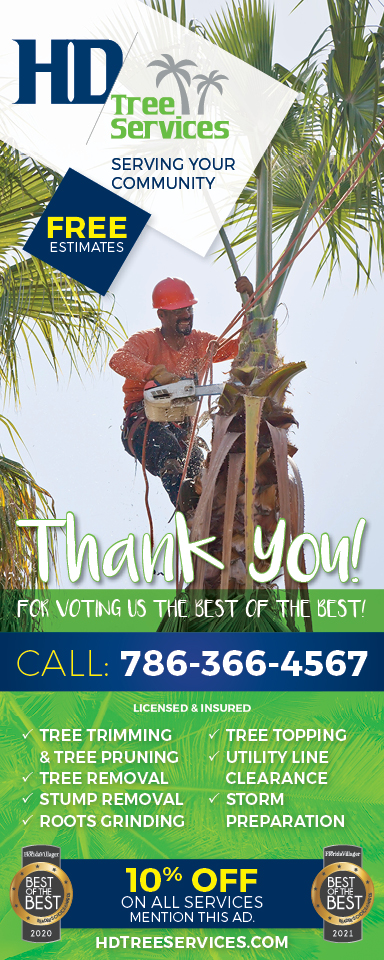
 Trinity Air Conditioning Company
 Cisca Construction & Development
 Mosquito Joe
 Cutler Bay Solar Solutions


 Miami Royal Ballet & Dance
 Christopher Columbus
 Pineview Preschools
 Westminster
 Carrollton
 Lil’ Jungle
 Frost Science Museum
 Palmer Trinity School
 South Florida Music
 Pinecrest Orthodontics
 Dr. Bob Pediatric Dentist
 d.pediatrics


 South Miami Women’s Health
 Endodontix Dental Group
 The Spot Barbershop
 My Derma Clinic




 Miami Dance Project

 Rubinstein Family Chiropractic
 Indigo Republic

 Safes Universe
 Vintage Liquors
 Evenings Delight





 Atchana’s Homegrown Thai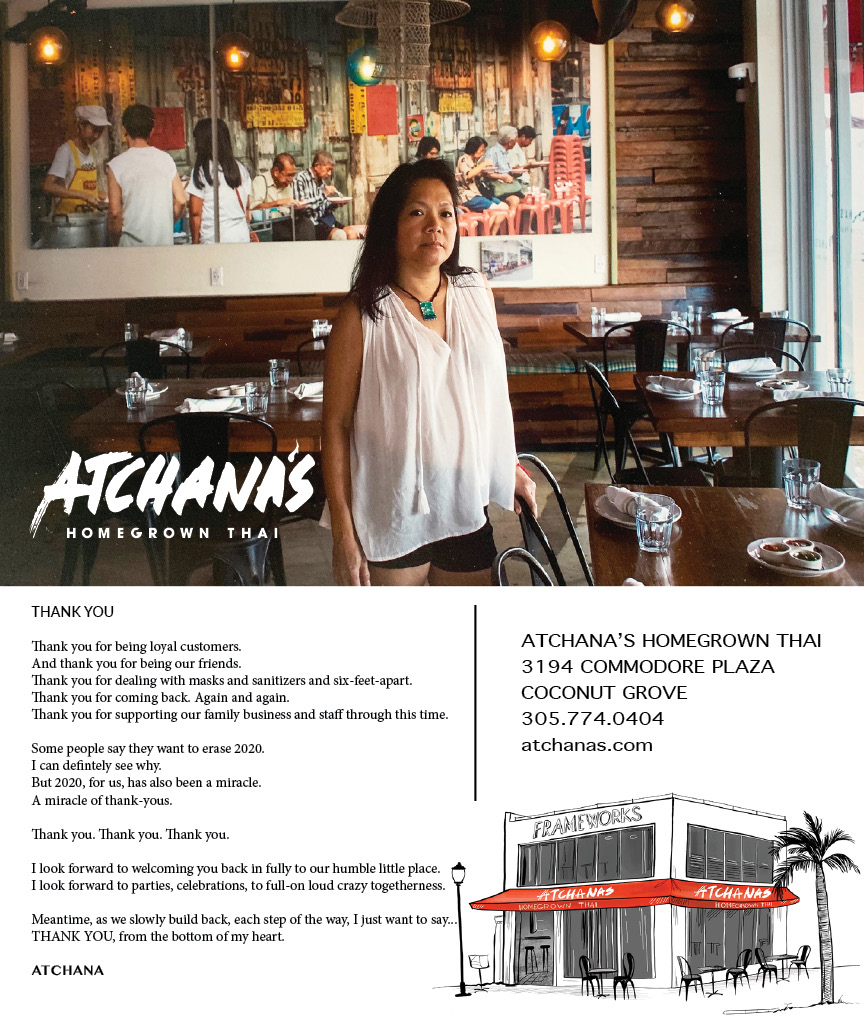
 Baptist Health South Florida

 Laser Eye Center of Miami
 Visiting Angels
 OpusCare of South Florida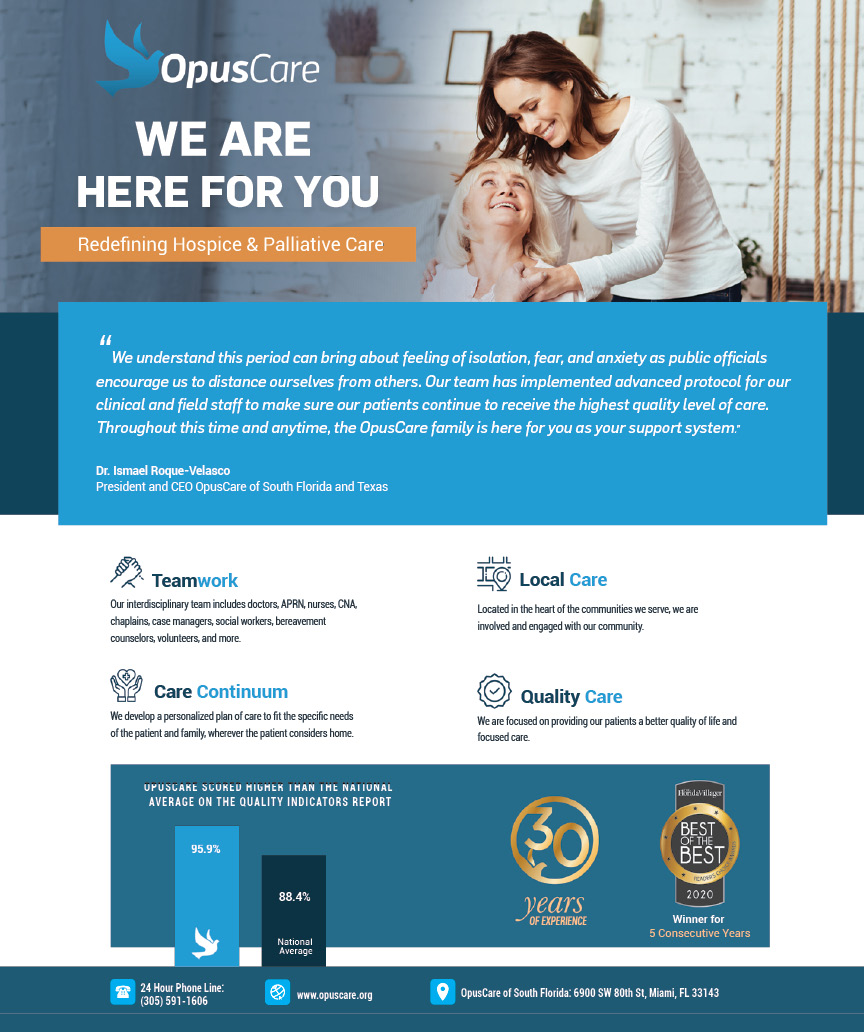



 Your Pet’s Best

 HD Tree Services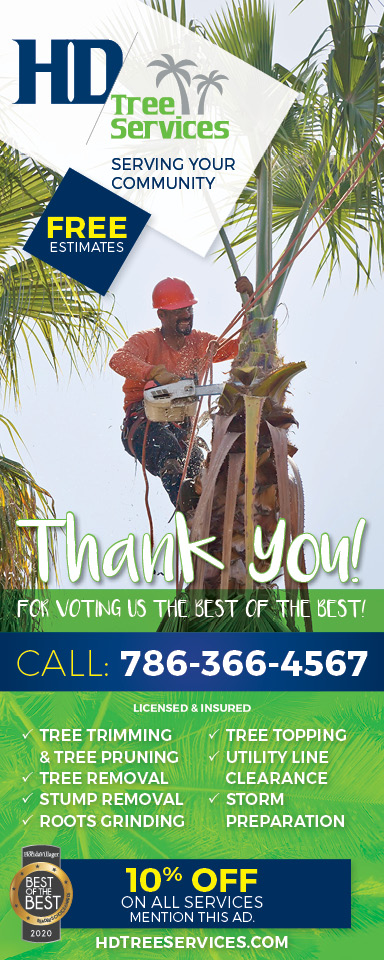
 Hamilton Fox & Company

 Creative Design Services